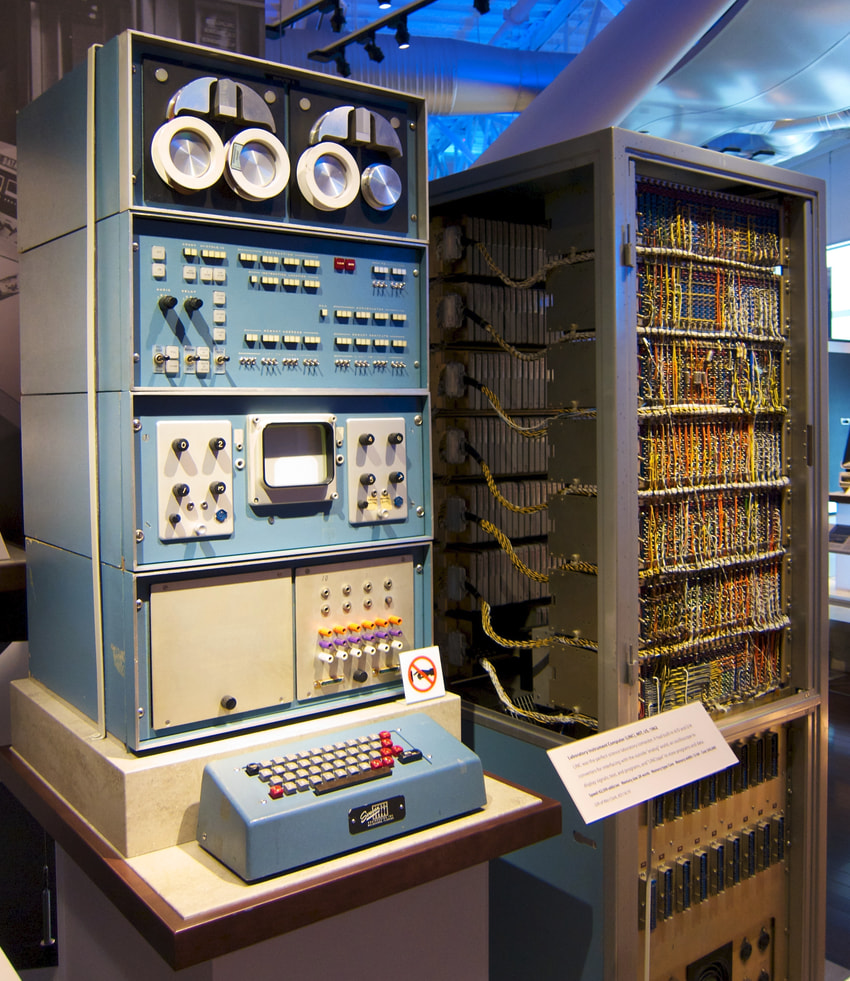
A while back I made an emulator for the LINC minicomputer. I have made another round of improvements, and I think it’s coming along quite nicely. To make it easy for people to play with the emulator and the available software, I wrote tutorial. What is LINC? How do I use the emulator? What software is there? All your questions will be answered.
6 Likes
Here’s Spacewar for the LINC (by A. J . Hance, April 1965),
(This was transliterated from archive scans by me a few years ago and is generally untested, but I did run some validity checks on this. The object code [2 blocks long] is found in octal at the end of the listing and needs to be transformed into a tape file. Mind that this version doesn’t implement gravity and is probably more similar to the PDP-4 version than to the original PDP-1 version.)
2 Likes
Yes, thank you. I got a copy from you already, and tested it on the emulator. There are also source and binaries on some tape images.
2 Likes
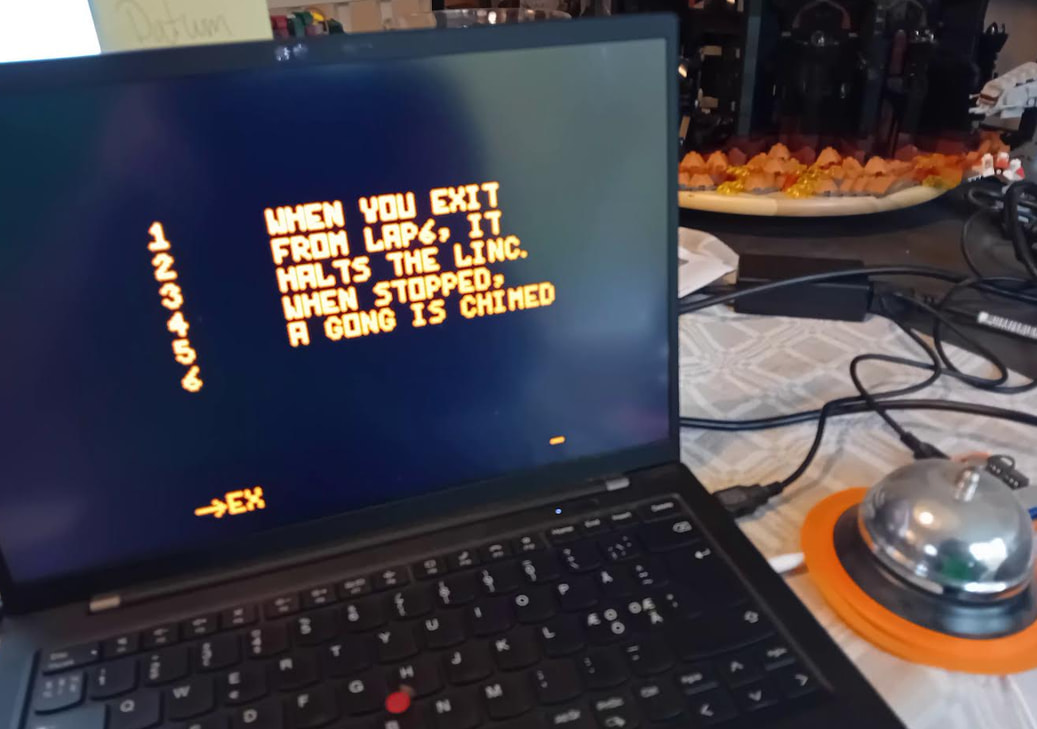
Is that one of those USB solenoid controlled attention bells? Despite putting in a big enough capacitor and protection diode, I’ve never had those do anything but cause the USB controller to malfunction
Yes. Are there several of those?
I made this one a few years back. Previously I could only use it to annoy my family, but this is even better. 11/10 can recommend.
EDIT: Here’s another. 100/10
1 Like
Thanks, very interesting. But despite the tutorial, I have issues.
What tape is needed for the main software/OS or the program with menue described and pictured? And how exactly this is started?
I tried several tapes. Tapes loaded correctly.
sim> SET LSW 0701
%SIM-ERROR: Non-existent device: LSW
Simulation stopped, P: 0574 (ROL 1)
sim> attach tape LAP6-backup.linc
sim> run 0
Resetting all devices… This may not have been your intention.
The GO and CONTINUE commands do not reset devices.
Can you give an example of a demo or game, maybe the Spacewar game and how exactly this is loaded and started.
I have a software running, with a number, where I probably have to enter codes. Is this LAP? Reminds me of my PLC. I can go back and forth and disable the output. Neither F2 nor CTRL-E worked. So I only could close the window by clicking on X. On a later restart, also with other tapes I always got this software.
“Pushing the button ‘DO’”. Is there this button, if so where? Or do I have to type DO?
Those are good questions. I should go back and revise.
Most tapes will have LAP6 on them, and then the easiest way to start is to type
ATTACH TAPE0 file.linc
BOOT TAPE0
If you want to do it with the switches, this is how:
ATTACH as per above
DEPOSIT LSW 0701
DEPOSIT RSW 7300
DO
RUN 20
Yes, if you get something that looks like line numbers, that’s LAP6.
F2 only works in the scope window. Ctrl-E only works on the SIMH console.
Yes, “pushing DO” means typing DO to SIMH.
1 Like
Input device added. Surrounding the display are eight knobs for analog inputs. One of them can be used to adjust the number of lines displayed above the default six.
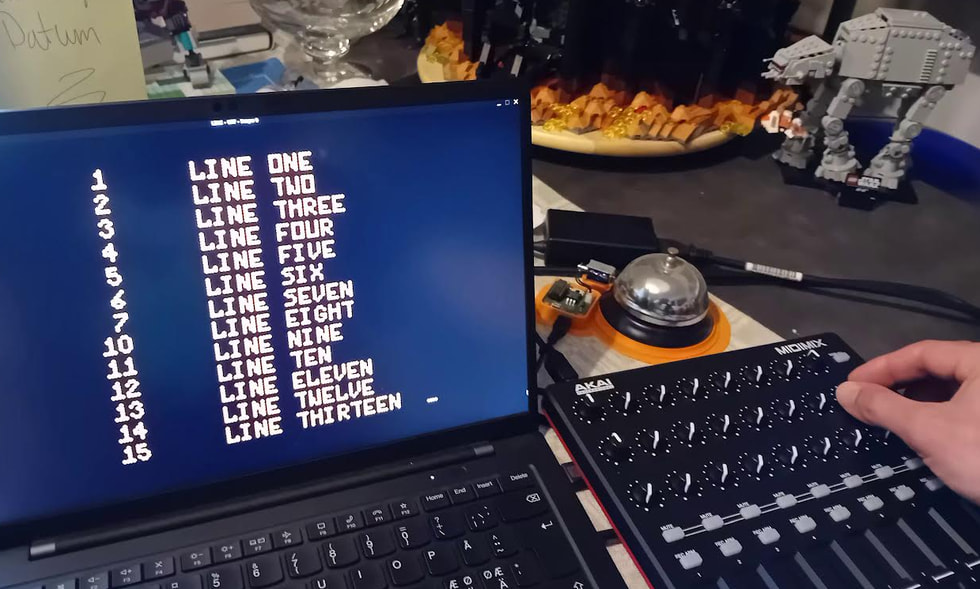
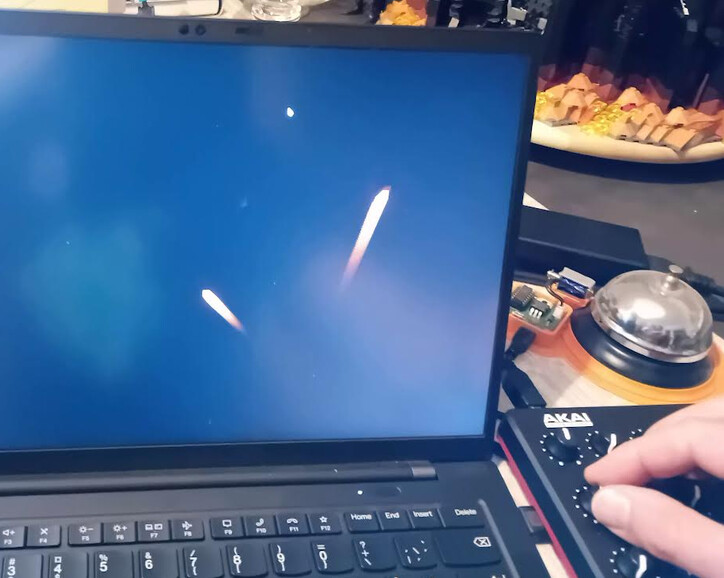
Also for playing Spacewar. ATT: @NoLand
3 Likes